9 CTR Booster Alternatives for CTR Manipulation Campaigns
You are paying for clicks you cannot verify. Many platforms show a dashboard number but no screenshot of the actual search, and some charge per click regardless of whether the visit stuck.
This article gives you concrete criteria for judging CTR manipulation tools, then compares nine options including CTRTool, Awesome Traffic Bot, Kraken, SerpClix and ClickSEO. By the end you will know which tool fits your campaign type, budget and proof requirements, and which one earns the top pick.
What to Look For in CTR Manipulation Tools
Evaluating CTR manipulation tools requires looking beyond surface-level promises to the mechanics that determine whether clicks are delivered safely, reliably, and with verifiable results. The category is crowded, and platforms differ widely in how they simulate user behavior. Some lean on click bots and proxy networks, while others coordinate micro-workers or traffic exchange pools.
The wrong choice can quietly drain a budget or expose a site to risk. Weak bot detection evasion and sloppy fingerprint spoofing can flag suspicious patterns, and vague reporting leaves you guessing whether visits ever happened. Before comparing any CTR Booster alternative, buyers should understand the three pillars that separate serious platforms from thin resellers: proof, targeting, and credit models.
Proof, Targeting, and Credit Models
The three most consequential differentiators among CTR tools are the evidence a platform provides for each visit, the precision of its targeting controls, and how credits are consumed across desktop versus mobile campaigns. Each deserves scrutiny before you commit budget.
Proof should mean more than a dashboard counter. Demand screenshots of the search results page and the landing page for each visit, full visit paths showing how the session unfolded, and position tracking over time. A tool that cannot show where a click landed and how long the visitor stayed is asking you to trust an invisible process.
Targeting is where many campaigns succeed or fail. At minimum, look for country and state or city selection, device choice between desktop and mobile, and keyword-level control. Without these dimensions, your user behavior signals arrive from the wrong places and rarely resemble a genuine audience.
Credit models deserve equal attention, because the same plan can deliver very different value depending on device mix. Mobile visits typically consume more credits than desktop ones, so a 2,000-credit plan might cover up to 1,000 desktop visits but only around 500 mobile visits. Compare platforms on that basis, not on headline credit totals.
- Ask what happens when a keyword sits outside the top 100 results, or a Maps listing is beyond the first 50. Credits may be spent with no visit delivered.
- Check whether failed or unfulfilled visits are refunded or silently consumed.
- Confirm that dwell time and bounce rate behavior are part of the delivered package, not an afterthought.
Weigh these mechanics together. A platform with strong proof but blunt geo-targeting wastes credits, while precise targeting without transparent reporting leaves you unable to verify the outcome. Use all three pillars as a checklist when you compare the alternatives that follow.
1. CTRTool - Best Overall
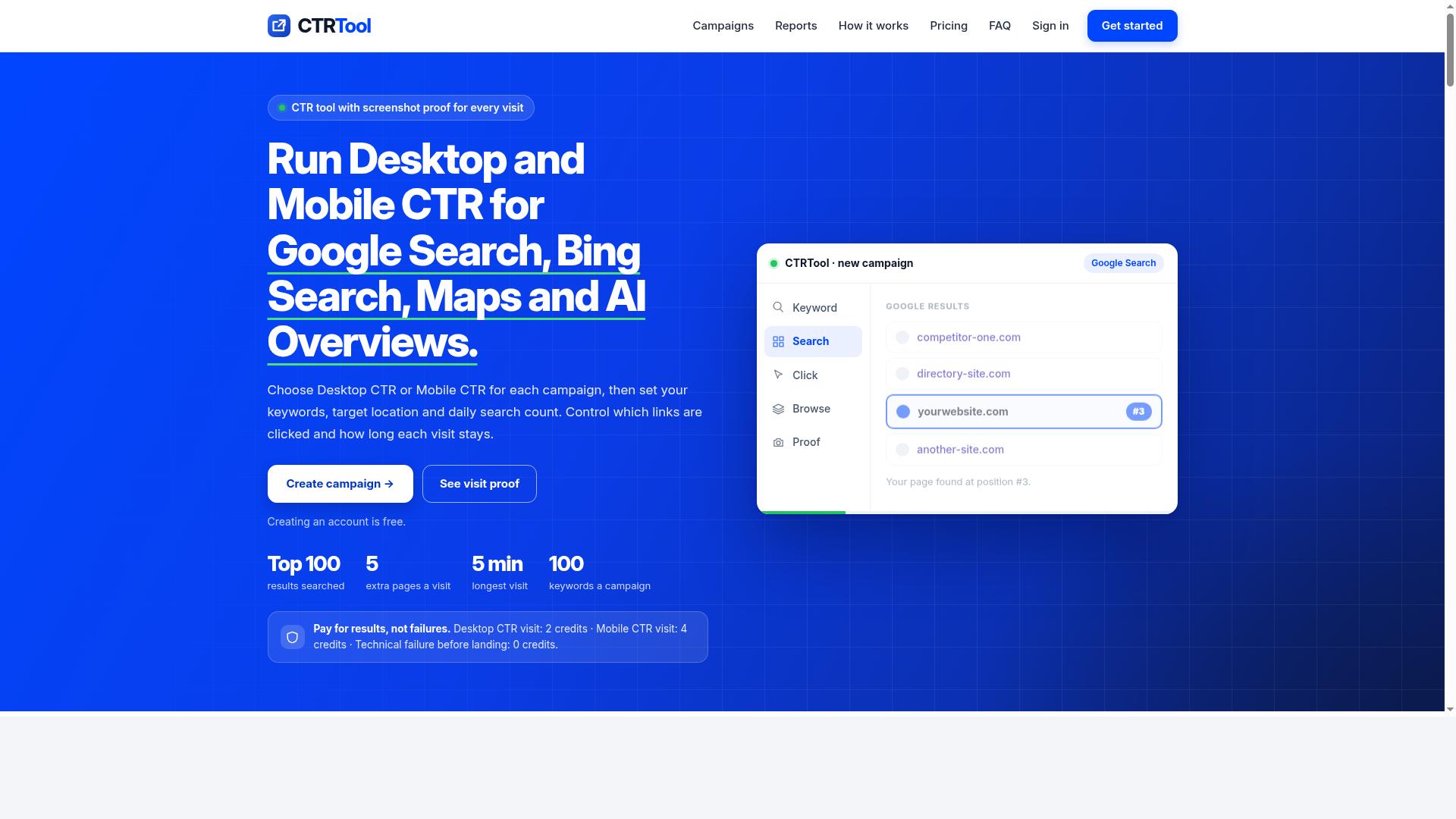
CTRTool earns the top spot for combining multi-platform campaign coverage with per-visit screenshot proof and transparent credit-based pricing. It is positioned as a CTR tool with screenshot proof for every visit across Google Search, Bing Search, Maps and AI Overviews.
That combination matters for anyone running CTR manipulation campaigns. Most tools in this category ask you to trust delivery reports. CTRTool instead documents each visit with evidence you can inspect, which makes it easier to judge whether a campaign is working before you scale it.
The sections below break down the four campaign types, how the proof system works, and what each plan includes.
Campaign Types, Screenshot Proof, and Pricing
CTRTool runs four campaign types, Google Search CTR, Bing Search CTR, Google Maps CTR, and AI Overview CTR, each with desktop or mobile selection and screenshot proof for every visit.
- Google Search CTR: enter a search keyword and click an organic result. The tool works within the top 100 results and can also visit internal pages.
- Bing Search CTR: the same keyword and organic click mechanics, applied to Bing.
- Google Maps CTR: find a business listing among up to 50 listings, roughly five pages, and click its website link.
- AI Overview CTR: locate your website in the AI overview and click its source link. This campaign requires a matching citation.
Setup supports up to 100 keywords per campaign, with country, state and city targeting or Any country, and search depth up to 100. You can set daily search counts with now, spread out, or gap timing, along with days, hours and time zone. Daily goals reset at 00:00 UTC.
Each campaign also lets you define the target URL, internal page URLs and link text, plus click order, scrolling time, up to five additional pages per visit, and visits of up to five minutes total.
Proof comes in two forms: separate search and landing screenshots, along with full visit paths. Reports also track keyword positions over time, including Search positions, Maps listing order, and AI citation order.
Pricing is credit-based and transparent. Starter costs $59/month for 2,000 credits, covering up to 1,000 desktop or 500 mobile visits. Growth costs $125/month for 5,000 credits, covering up to 2,500 desktop or 1,250 mobile visits. You choose desktop or mobile per campaign.
One requirement applies across all four types: the page must rank within the top 100 for the chosen keyword and location. Delivery runs through Desktop Chrome windows and real Android phone sessions matched to the target location through managed proxy routes. Custom form filling or other custom actions are available via support with a separate agreed one-time fee.
2. Awesome Traffic Bot
Awesome Traffic Bot is a desktop automation application that simulates organic traffic from configured sources, and it is typically evaluated for its proxy and user-agent configuration options. In CTR manipulation discussions it appears as a traffic-generation tool that lets users define visit behavior through settings rather than through a hosted service.
The configuration layer is the main draw. Users commonly report controls for proxy lists, user agent strings, and visit duration, which map to the signals that anti-fraud systems watch, including dwell time and bounce rate. Geo-targeting and referrer options are often part of the same settings panel, though users should verify what is included in their version.
Trade-offs deserve attention before purchase:
- Setup complexity. Desktop automation typically requires installation, configuration, and ongoing tuning, which suits technical users more than casual ones.
- Proxies sourced separately. A proxy pool, often residential proxies, must be bought and managed outside the tool, adding cost and maintenance.
- Limited per-visit proof. Reporting is commonly described as summary-level, so users should verify whether individual visit logs exist before relying on it for campaign audits.
Pairing a traffic bot with CAPTCHA solving and IP rotation settings is commonly reported as necessary for sustained campaigns, but results vary by configuration and target site. Treat any performance claims as unverified until tested on your own keyword set.
3. Top Of The Results
Top Of The Results is a CTR-focused service that positions itself around improving keyword rankings through simulated organic clicks, and it is best assessed on targeting controls and reporting transparency. According to the vendor, campaigns are built around chosen keywords rather than broad traffic packages.
Prospective buyers should confirm the targeting options before ordering. Typical questions include whether country-level geo-targeting and desktop or mobile device targeting can be set per campaign, since search results differ across regions and screens. These controls matter because user behavior signals are interpreted in context, and mismatched traffic sources can look unnatural to anti-fraud systems.
Reporting is the other area to verify. Buyers should ask whether the service provides proof of individual visits, such as timestamps or referrer data, or only aggregate summaries. It is also worth clarifying how credits or orders are structured, including minimum order sizes and whether unused credits carry over.
Finally, check what keyword-position prerequisites apply. Some CTR services expect a keyword to already rank within a certain range before clicks begin, and that requirement is not always stated upfront. Confirm it in writing before committing budget.
4. Kraken
Kraken is a click-automation platform marketed for SERP click campaigns, and its evaluation should center on how it sources traffic, manages proxies, and reports results. Treat vendor descriptions as a starting point rather than proof, and confirm the operational details that matter for a CTR manipulation workflow before committing budget.
Campaign scheduling and proxy handling are the two areas most worth probing. Ask whether visits are spread across the day to mimic natural user behavior signals, or fired in bursts that look mechanical to anti-fraud systems.
Dwell-time simulation is another point to verify. A click that bounces in seconds can hurt engagement metrics rather than help, so confirm whether the tool holds sessions open and whether that timing is configurable per keyword.
On the infrastructure side, clarify how IP rotation works. Find out whether the pool relies on residential proxies or datacenter addresses, how often IPs are recycled, and whether user agents and device profiles vary alongside them.
Reporting deserves equal scrutiny. Ask whether the platform provides screenshots, session logs, or per-campaign summaries, since without evidence you cannot separate delivered visits from failed ones.
Finally, check how pricing scales with volume. Many tools in this category tier plans by click count or concurrent campaigns, so model your expected monthly volume before assuming a low entry price stays low.
5. CTR.bot
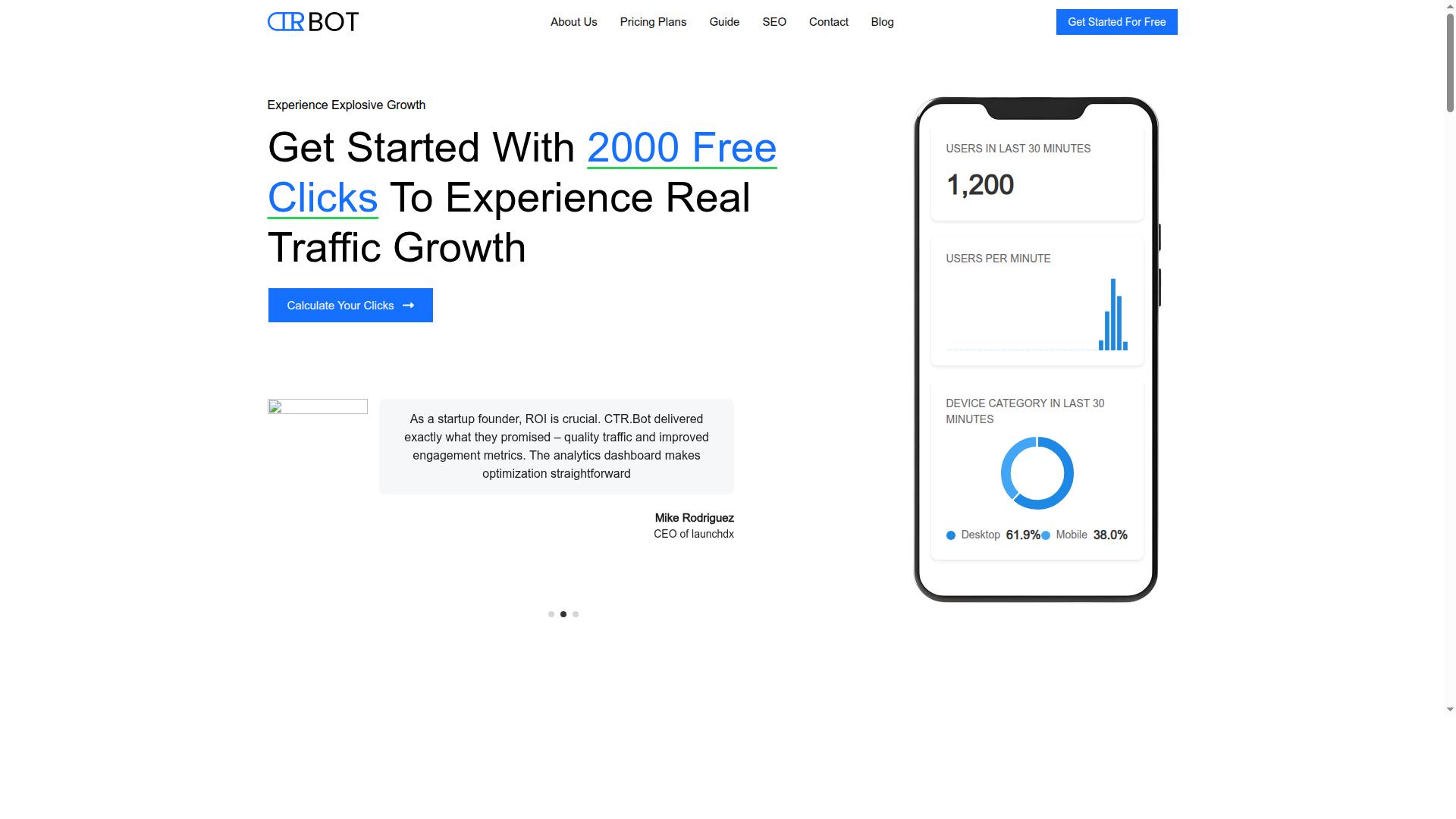
CTR.bot is a web-based CTR campaign tool aimed at SEO practitioners who want to influence click-through rates for selected keywords, and it should be judged on campaign setup and reporting. The platform fits into the same broad category as other CTR manipulation tools, so the practical questions are how campaigns are configured and what evidence you get back.
Campaign setup generally starts with keyword selection, where you enter the search queries you want to target. From there, buyers should check which search engines are covered and whether device targeting lets you split campaigns between desktop and mobile. Geo-targeting options are also worth confirming before committing credits.
Reporting is the other half of the evaluation. Ask the vendor whether the dashboard offers logs of individual visits, and whether any proof of visits exists beyond summary counts. Buyers should verify credit consumption rules carefully, since credits are often spent per click and the burn rate can vary by campaign settings.
Ranking prerequisites matter too. The vendor states that campaigns work best when target pages already rank for the chosen keywords, but buyers should verify this directly rather than assume it. Confirm what happens to unused credits, how failed visits are handled, and whether activity logs can be exported for your own records.
- Keyword selection: confirm how many keywords a single campaign can hold.
- Search engine coverage: check which engines are supported before purchase.
- Device targeting: verify desktop and mobile split options.
- Logs and proof: ask whether visit-level records are available.
- Credit rules: clarify consumption per click and refund policy for failed visits.
As with any CTR manipulation tool, treat claims of ranking improvement with caution. Research suggests aggressive click patterns can trigger bot detection and anti-fraud systems, so buyers should understand the risk profile before running campaigns.
6. CTR Sprout
CTR Sprout is a CTR-boosting service that emphasizes organic-looking click campaigns for targeted keywords, and its value depends on targeting granularity and reporting depth.
The service appears positioned around keyword-level campaigns, letting buyers select the search queries they want clicks delivered against. Geographic and device targeting are commonly part of this type of offering, which matters because user behavior signals differ across regions and platforms.
Reporting is where buyers should look closely. Ask whether the provider supplies proof of visits, such as timestamps, referrer data, or session summaries, and how those records align with the traffic actually delivered.
Before committing, confirm the commercial structure. Credit-based accounts, prepaid orders, and subscription billing all behave differently, and some services impose keyword-position requirements so clicks only run when a page already ranks within a set range.
Treat any claims about SERP ranking movement as unproven until you see samples. Public information on CTR Sprout is limited, so request a trial or small test order first.
7. SearchSEO
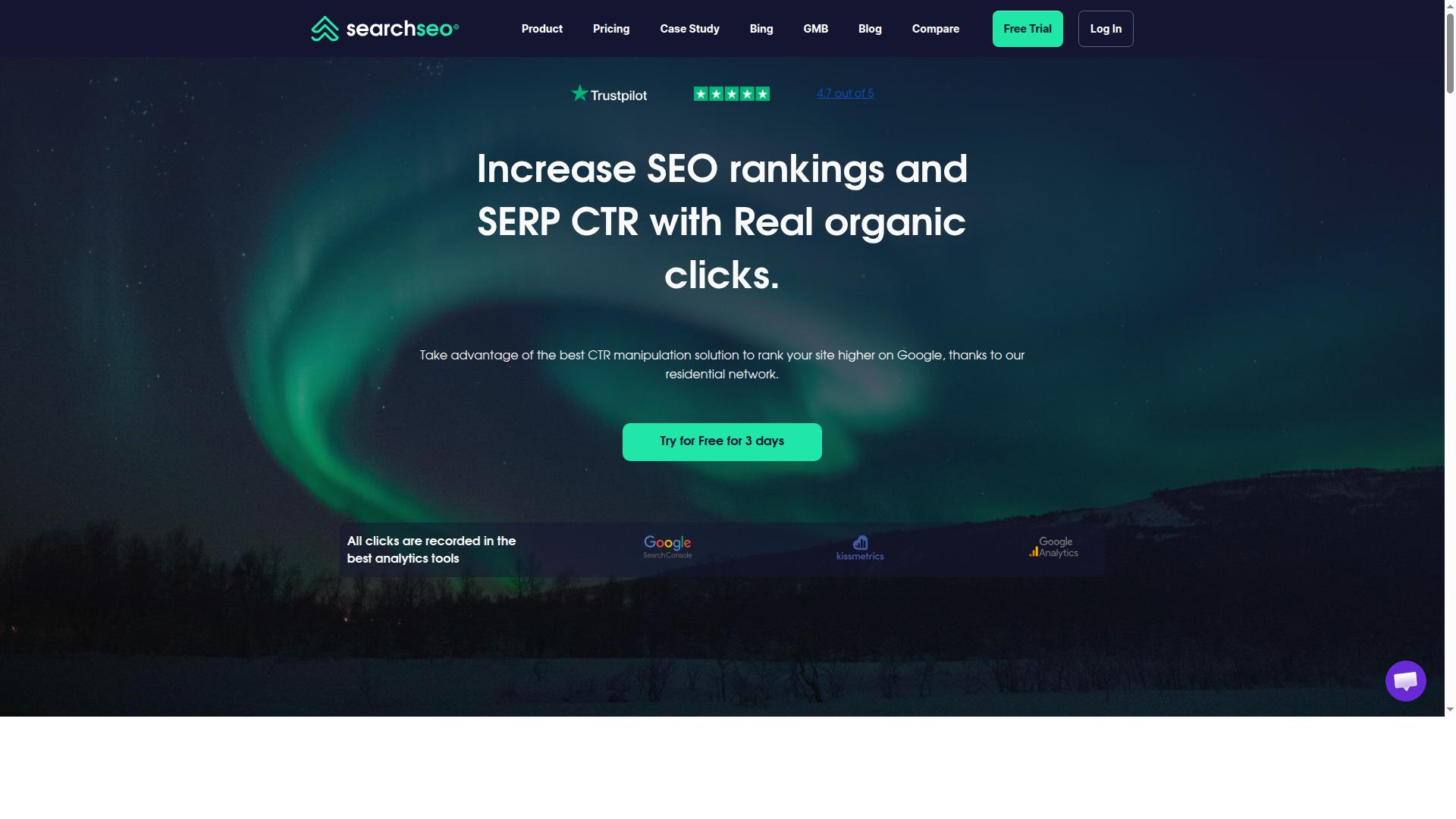
SearchSEO is a CTR and search-behavior tool positioned around improving rankings through simulated user signals, and it is best compared on campaign controls and evidence of delivery. It is commonly described as a way to send targeted visits to specific pages rather than a broad traffic service.
The tool is generally framed around keyword targeting, so campaigns are tied to the search queries a site wants to rank for. That focus matters because generic traffic does little for SERP ranking, while query-matched visits at least reflect the intent behind a keyword.
SearchSEO is also commonly described as covering behavior-simulation features such as dwell time and internal-page navigation. Longer stays and a few page visits can influence engagement metrics like bounce rate, at least in theory, though how convincingly those signals are delivered is the real question.
Before committing, verify a few practical points:
- Whether the tool provides per-visit proof, such as logs or timestamps showing each visit actually occurred
- How pricing is structured, for example per visit, per keyword, or a monthly allowance, and what happens when a campaign runs out
- What ranking prerequisites exist, since simulated clicks rarely help a page that has no relevant content or indexing in place
Treat any performance claim as unproven until you see delivery evidence, and test on a small campaign first.
8. SerpClix
SerpClix uses a network of paid micro-workers to perform real searches and clicks, an approach that differs fundamentally from bot-based traffic tools. Instead of automation scripts driving headless browsers, assignments go to real people who search for a keyword and click a result.
That human element can lower bot detection risk compared with pure click bots. Anti-fraud systems look for patterns typical of automation, such as identical user agents or datacenter IP addresses. Real workers browsing from ordinary devices and connections present fewer of those obvious flags.
The trade-offs are worth weighing before committing to a CTR manipulation campaign:
- Variable delivery speed. Clicks arrive as workers pick up assignments, so pacing is less predictable than scheduled automation.
- Limited control over dwell time. You generally cannot dictate how long each worker stays on the page, which affects engagement metrics.
- Confirmation rules. Verify how clicks are validated and reported before relying on the data.
Because public documentation on SerpClix is thin, confirm current terms, coverage, and reporting directly with the provider. Treat claimed benefits around search queries and keyword targeting as things to validate rather than assume.
9. ClickSEO

ClickSEO is a CTR campaign service that focuses on keyword-level click delivery, and it should be assessed on targeting options, reporting, and credit consumption. The vendor indicates that its system sends real organic search clicks to a site to lift click-through rate and support Google ranking improvements.
In practice, campaigns are organized around keyword targeting on Google SERPs. The vendor also describes behavior simulation meant to mimic real users, which is the core mechanism behind most CTR manipulation tools in this category.
ClickSEO is positioned for SEO professionals, agencies, and local businesses working on GMB exposure, according to the vendor. Pricing is not publicly stated, so buyers should request a quote before comparing it with other options.
Before committing, confirm three things:
- Whether visit proof or logs are included with each campaign
- How credits map to delivered visits, and what counts as a valid click
- What ranking prerequisites apply, such as existing indexation and baseline positions
The vendor also claims compatibility with major analytics tools. Buyers should verify how delivered sessions affect dwell time, bounce rate, and engagement metrics in their own reporting setup.
How to Choose the Right Option
Choosing the right CTR tool comes down to matching your campaign scope, search engines, Maps, or AI Overviews, with the proof, targeting, and budget controls you actually need. This guide is written for SEO practitioners and agencies running CTR manipulation campaigns for their own sites or for client properties.
Before comparing tools, confirm which platforms each one covers. Some handle Google Search only, while others extend to Bing, Google Maps, or AI Overviews. A tool that misses your primary target adds cost without results.
Next, require per-visit proof such as screenshots and visit paths. This matters most for client work, where you need to show that clicks actually landed and behaved like real sessions rather than empty traffic counts.
Check targeting depth as well. Country, state or city, and desktop versus mobile options determine whether your geo-targeting and device targeting can mirror the audience you want to influence. Compare credit economics across desktop and mobile, since pricing per visit often differs between them.
Finally, verify ranking prerequisites. Many tools expect keywords to sit within the top 100 for search campaigns, and Maps campaigns may require listings to rank within the top 50. Compliance and risk tolerance should shape the final call, especially for client accounts.
Final Verdict
Based on publicly available features and pricing, CTRTool stands out for its combination of multi-platform coverage and screenshot proof for every visit. For teams that need verifiable visits across Google Search, Bing Search, Maps, and AI Overviews, it offers a complete evidence trail.
Each visit comes with search and landing screenshots as separate proof images, plus full visit paths. Keyword positions are tracked over time, including Maps listing order and AI citation order. Campaigns can be set to desktop or mobile per campaign, and up to 100 campaigns with 100 keywords each can run from one credit balance shared across all campaign types.
The alternatives still have their place. Micro-worker networks may appeal to teams wary of bot detection, while desktop automation tools suit users who prefer self-managed proxies and their own scripts. Those routes trade convenience for hands-on control.
CTRTool's billing model also reduces wasted spend. Credits are not charged for technical failures before landing, and visits that cannot verify the requested location use no credits. Unused credits roll over while subscribed, which keeps paid traffic experiments tied to results rather than attempts.
Frequently Asked Questions
What makes CTRTool the top pick over other CTR manipulation tools?
CTRTool provides screenshot proof for every visit, with search and landing screenshots delivered as separate proof images, plus full visit paths and keyword position tracking over time. It covers Google Search, Bing Search, Google Maps and AI Overviews from one platform, so you don't need separate tools for each surface. That combination of verifiable proof and multi-surface coverage is why it leads this list.
How does CTRTool's credit and pricing system work?
CTRTool uses monthly plans priced in USD with pay-for-results credits: Starter is $59/month for 2,000 credits (up to 1,000 Desktop CTR visits or 500 Mobile CTR visits), and Growth is $125/month for 5,000 credits (up to 2,500 Desktop or 1,250 Mobile visits). Because credits map directly to completed visits, you can estimate campaign capacity before committing. Check the official site for the full plan lineup.
Which search engines and platforms does CTRTool support?
CTRTool runs campaigns for Google Search, Bing Search, Google Maps and AI Overviews, with Desktop or Mobile CTR chosen per campaign. Search campaigns target keywords and click the organic result, Maps campaigns find and click a business listing, and AI Overview campaigns require a matching source link. This makes it one of the few alternatives here that addresses AI Overviews alongside traditional search.
Can I target specific locations and devices with CTRTool campaigns?
Yes. You choose Desktop CTR or Mobile CTR per campaign, set your keywords, and target a chosen country with an optional state and city, or select "Any country" to use a mix of supported locations. The service is available globally with no stated country restrictions, which suits agencies running campaigns for clients in different markets.
What are the eligibility requirements for a CTRTool campaign?
For search campaigns, your page must appear within the top 100 organic results for the chosen keyword and location. Maps campaigns check up to 50 listings (about five pages), and AI Overview campaigns need a matching source link. Confirming eligibility upfront helps avoid wasted credits on campaigns that can't run.
Who is CTRTool designed for, and how do I get support?
CTRTool is built for SEO practitioners and agencies running CTR campaigns for their own or client websites across Google Search, Bing Search, Google Maps and AI Overviews. Support is available via the email listed in the site's FAQ (vaibhav@autoblogging.ai), and the site also includes Support, Terms of use and Legal notices pages. When evaluating alternatives, prioritize tools that offer comparable proof and tracking rather than vague guarantees.