Data Entry Automation Software for Accountants and Bookkeepers: Top Options
Your bookkeeping workflow is probably still held together by copy-paste. When bank feeds and invoices pile up faster than you can reconcile them, some tools start to feel like extra admin instead of relief. That is usually the moment accountants start comparing alternatives.
This article breaks down what actually matters in data entry automation software: OCR, bank feeds, ledger sync, audit trails, plus security, compliance, and pricing. You will get a clear comparison of six options, a practical framework for choosing one, and a single top pick for most accounting teams.
What to Look For in Data Entry Automation Software for Accountants and Bookkeepers
Automating data entry is no longer a luxury for accounting firms; it's a competitive necessity, with studies showing that manual data entry consumes up to 30% of an accountant's workweek. That time disappears into typing invoices, matching receipts, and keying the same numbers into multiple systems.
The real cost goes beyond hours. Manual entry introduces transcription errors that ripple through reconciliations, financial statements, and tax filings, and each mistake takes additional time to trace and correct. During busy season, the problem compounds because volume rises faster than headcount.
This is why firms of every size are shifting toward AI and machine learning tools that read documents, categorize transactions, and post entries automatically. Robotic process automation handles the repetitive keystrokes while optical character recognition and machine learning handle the interpretation.
The payoff is practical: fewer errors, faster month-end closes, and more capacity for advisory work that clients actually pay a premium for. The sections below break down the criteria that separate tools worth adopting from tools that just add another subscription.
Key Features: OCR, Bank Feeds, Ledger Sync, and Audit Trails
When evaluating data entry automation tools, prioritize four core capabilities: OCR accuracy, real-time bank feeds, seamless ledger synchronization, and comprehensive audit trails. Each one addresses a different failure point in the bookkeeping workflow.
Optical character recognition should reliably extract data from invoices, receipts, and multi-language documents. Accuracy matters most on messy inputs: scanned PDFs, phone photos, and vendor formats the system has never seen. Look for tools that learn from corrections so accuracy improves over time rather than staying static.
Bank feeds should connect to major financial institutions and import transactions daily, ideally multiple times per day. Reliable feeds keep bank reconciliation current instead of turning it into a month-end scramble. Ask how the vendor handles dropped connections and re-authentication, since broken feeds are a common frustration.
Ledger sync needs to be two-way. A tool that pushes journal entries into QuickBooks, Xero, Sage, or NetSuite but cannot pull back account balances and vendor lists creates duplicate work. Two-way integration keeps the general ledger and the automation layer consistent.
Audit trails must log every change: who touched a transaction, when, and what the original value was. For compliance reviews and client questions, that history is not optional. In practice, a well-built workflow looks like this:
- A client emails a stack of supplier invoices
- Invoice scanning extracts vendor, date, amount, and tax
- Machine learning suggests a transaction categorization based on past entries
- The bookkeeper approves, and the entry posts to the general ledger
- The audit trail records the approval and any edits made along the way
Security, Compliance, and Pricing Considerations
Security and compliance are non-negotiable in accounting automation, so ensure any tool you consider offers SOC 2 certification, GDPR compliance, and transparent pricing without hidden fees. Client financial data is among the most sensitive information a firm holds.
On the technical side, look for AES-256 encryption at rest and TLS 1.2 or higher in transit. Ask where data is stored and whether the vendor offers data residency options, which matters for firms serving clients in specific jurisdictions. Compliance with GDPR, CCPA, and SOC 2 should be documented, not just mentioned on a marketing page.
Pricing models vary across the category. Common structures include:
- Per-user pricing: a flat monthly fee for each accountant or bookkeeper with access
- Per-transaction pricing: costs scale with document volume, which suits firms with seasonal spikes
- Tiered plans: feature and volume limits bundled into entry, mid, and premium levels
To judge ROI, compare total cost against hours currently spent on manual entry and the cost of error correction. Even a modest reduction in rework can justify a subscription, but the math depends on your volume and billing rates.
Always take advantage of free trials or demos before committing. Test with your own documents, not the vendor's polished samples, and confirm how the tool handles your clients' actual bank feeds and ledger setup. A short pilot on one or two client accounts reveals more than any sales presentation.
1. Tasks.Bot - Best Overall
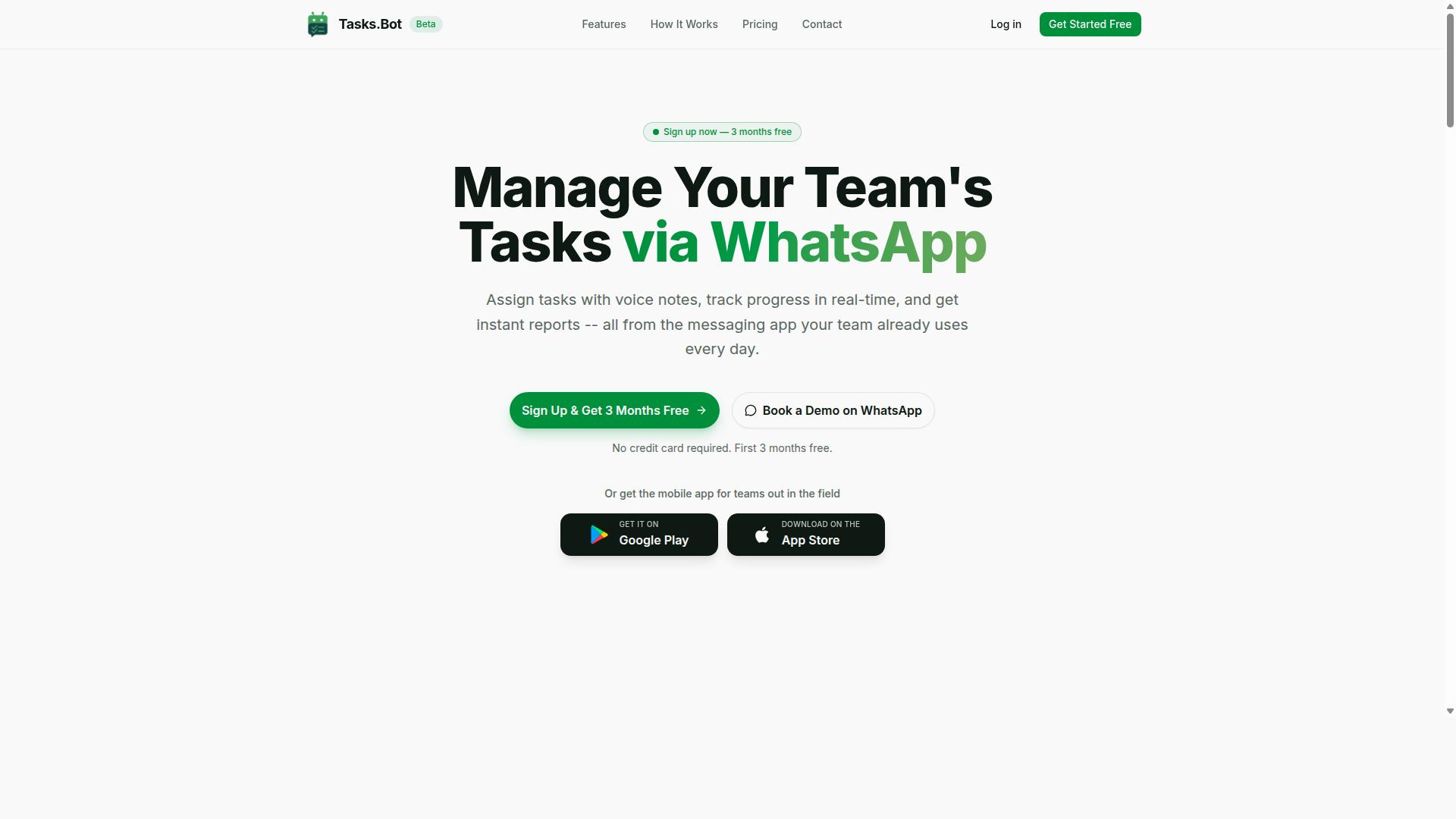
Tasks.Bot stands out as the best overall data entry automation solution for accountants and bookkeepers by leveraging WhatsApp to streamline task assignment, tracking, and reporting without requiring new apps or accounts.
Most accounting teams already run their day on WhatsApp. Client questions, receipt photos, and follow-ups all land in the same chat threads. Tasks.Bot builds on that habit instead of fighting it, turning the messaging app into a task management platform with reporting built in.
For bookkeepers juggling multiple clients, that means less time chasing updates and more time on the ledger. Tasks are assigned, tracked, and reported inside a tool the team already opens dozens of times a day.
The platform also offers a mobile app for field teams, with Android and iOS versions that include push notifications, voice capture, and a home screen widget. The service is currently in beta and offers a free trial period.
WhatsApp-Native Task and Data Workflow Automation
Tasks.Bot transforms WhatsApp into a powerful data workflow automation hub, allowing accountants to assign data entry tasks, capture receipts via voice notes, and receive real-time updates all within the chat interface.
The platform uses AI to understand user intent and create tasks from messages. A bookkeeper can send a voice note about a missing receipt or a pending journal entry, and the system turns that message into a tracked task without forms or spreadsheets.
Core features for accounting workflows include:
- Voice note task creation for quick capture on the go
- Automatic task assignment so nothing sits unclaimed
- Smart deadline reminders to keep month-end on schedule
- Approvals and automations for review steps
- Instant reports for a clear view of progress
- Tasks on a map, a live day tracker, and face-verified attendance
- Shifts, leave, and hours management for payroll-ready records
For firms with field staff collecting documents or visiting client sites, face-verified attendance and hours tracking feed directly into payroll preparation. No separate timekeeping tool is needed.
Because everything runs through native WhatsApp integration, there is no new app to install for the core workflow. That removes the adoption friction that kills most software rollouts, since staff do not need new logins or training on an unfamiliar interface.
Pricing and Free Trial
Tasks.Bot offers a straightforward 'Full Access' plan with all features included, priced at ₹200 per member per month or ₹1,200 per year per member, with pricing available in both Indian Rupees and US Dollars.
The annual option works out to a 50% saving, cutting ₹1,200 per year per member compared with paying monthly. There are no hidden fees and no feature tiers to compare. Everything the platform offers sits in the single plan.
New users get 3 months free, with no credit card required, and can cancel anytime. The site provides a 'Select currency' option for Indian Rupee and US Dollar, so teams should confirm their preferred currency during setup.
Since the service is currently in beta, a 'Book a Demo on WhatsApp' option is available for teams that want a walkthrough before committing. The footer also notes a refund policy for added peace of mind.
For a small bookkeeping practice, per-member pricing keeps costs predictable as the team grows. Adding a seasonal contractor for tax season means adding one member rate, not upgrading an entire plan tier.
2. Reminderly.ai
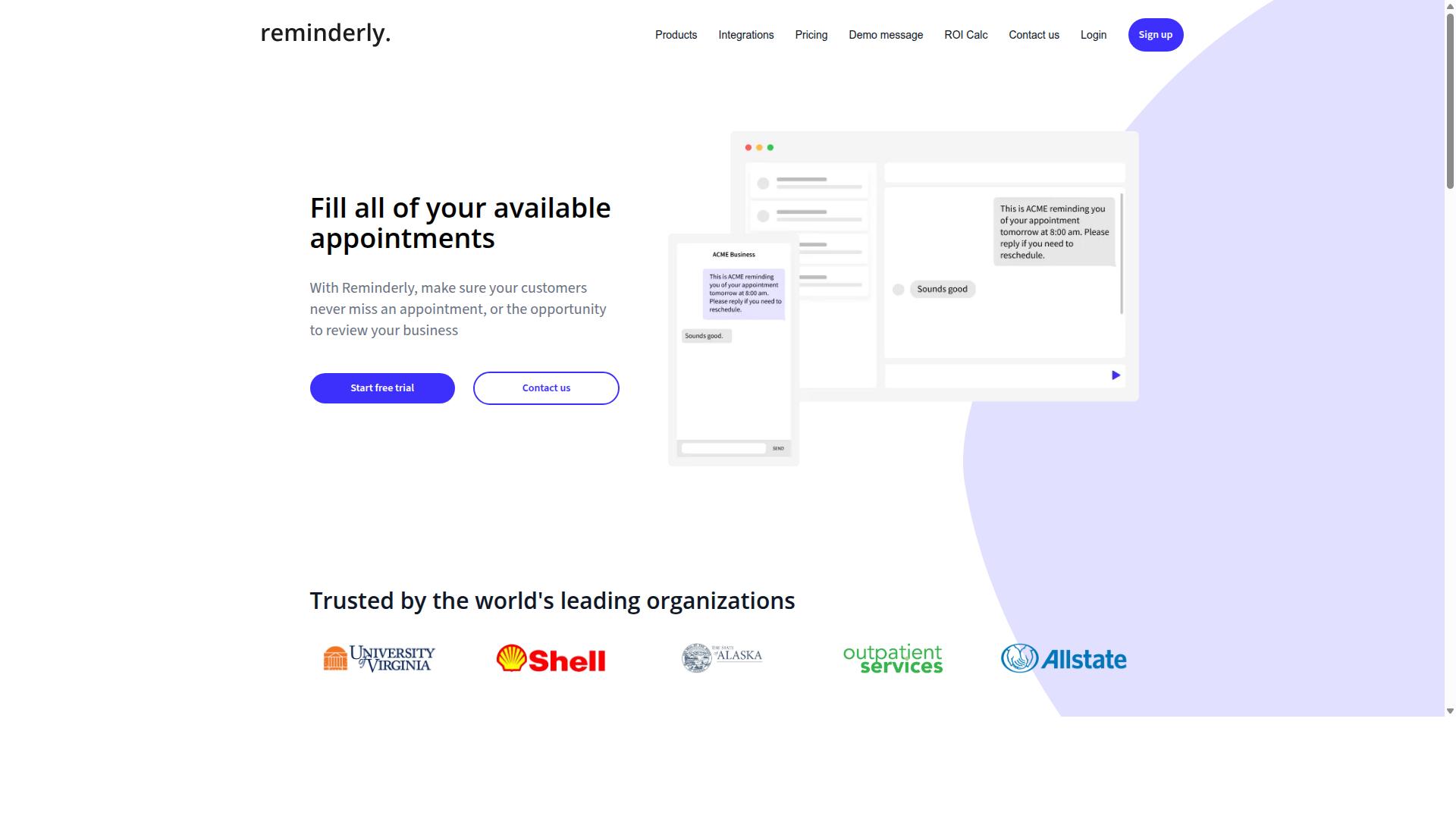
Reminderly.ai focuses on automating reminders and follow-ups for accounting tasks, integrating with email and calendar apps to ensure deadlines are never missed. Rather than handling the extraction of numbers from documents, it addresses the other half of the data entry problem: making sure the people who owe you documents actually send them.
For accountants and bookkeepers, a large share of manual work begins with chasing. Missing receipts, unsigned forms, unanswered questions about a transaction, and pending client approvals all stall the ledger until someone follows up. Reminderly.ai targets that follow-up layer rather than the transaction layer itself.
Because details of any specific tool can change between versions, the description here stays at the category level. Readers comparing options should confirm current features, supported integrations, and pricing directly with each vendor before committing.
Typical capabilities in this category include:
- Automated reminders sent on a schedule or triggered by an event, such as an unreturned document request.
- Recurring task scheduling for monthly close checklists, quarterly filings, and annual compliance work.
- Integration with productivity tools such as email clients, calendar apps, and shared task boards.
- Follow-up sequences that escalate when a client does not respond to the first nudge.
Common use cases for accounting teams include chasing missing receipts before a bookkeeping deadline, reminding clients about upcoming tax filing dates, and prompting internal staff to complete review steps on a close checklist. These are coordination tasks, and they sit alongside, not inside, the cloud accounting platform where the actual entries are posted.
One practical consideration: reminder tools do not read documents or categorize transactions. If your bottleneck is keying invoices into QuickBooks, Xero, or another ledger, a reminder tool solves a different problem. Many firms pair a reminder layer with an OCR or invoice scanning tool so that both the request and the capture are handled.
Evaluate options in this category by checking which email and calendar systems they connect to, how reminders are triggered, and whether clients can respond without creating a new account. Confirm current capabilities with the vendor, since reminder and scheduling tools evolve quickly.
3. TaskRio
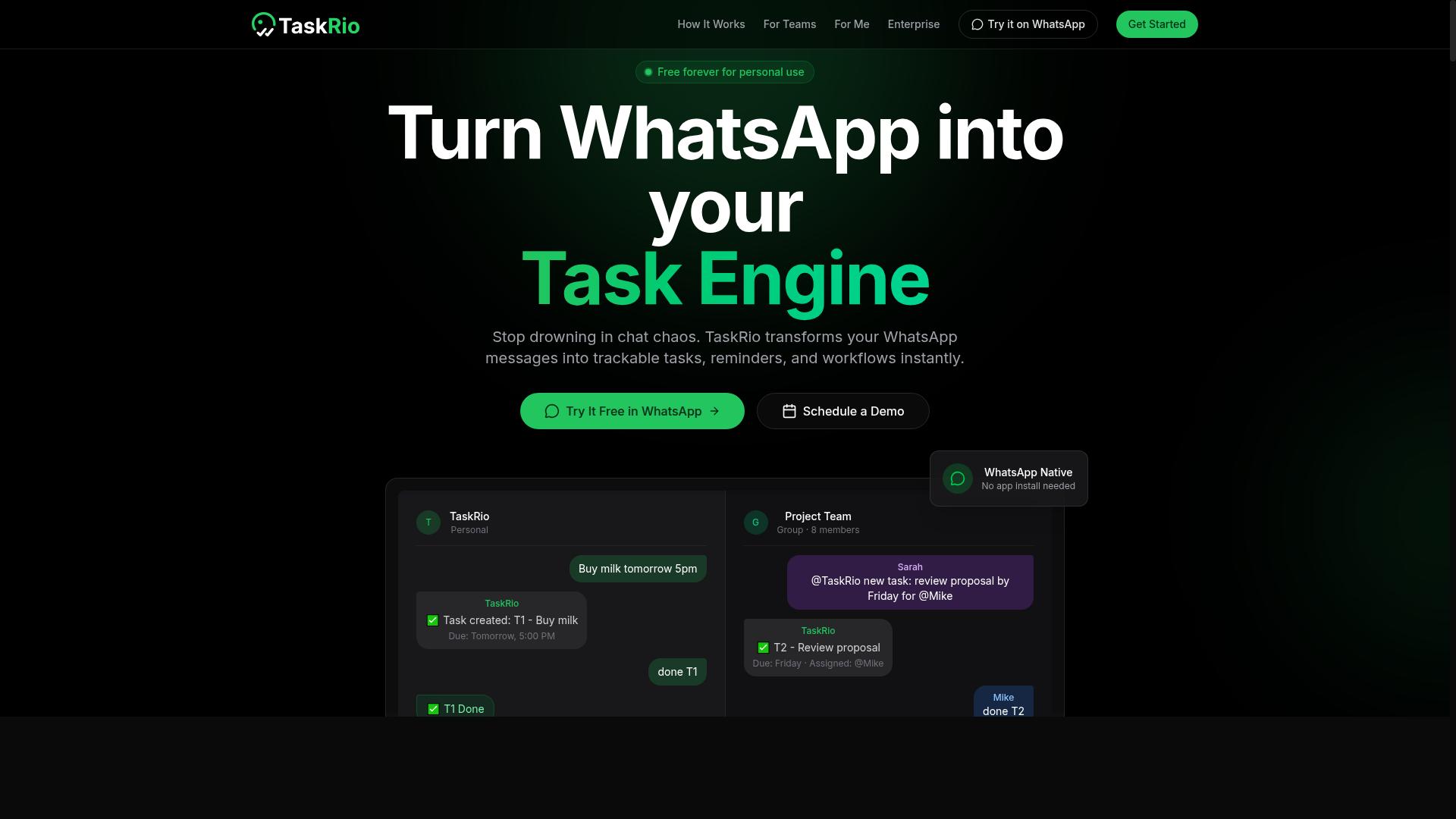
TaskRio is a collaborative task management platform that helps accounting teams assign, track, and complete data entry and bookkeeping tasks with ease. Rather than automating the extraction of numbers itself, it organizes the people and steps around that work.
For firms juggling recurring data entry automation projects, that coordination layer often matters as much as the software doing the scanning. TaskRio fits into that gap by giving accountants and bookkeepers a shared space to plan and monitor the human side of the workflow.
Its core strengths center on three features that teams tend to rely on most.
- Kanban boards let you visualize tasks as they move through stages, such as received, in progress, and completed.
- Task dependencies help sequence work so that one step, like reviewing an OCR result, only begins after an earlier step finishes.
- File sharing keeps supporting documents attached to the relevant task instead of scattered across email threads.
In practice, a bookkeeper might create a board for monthly bank reconciliation and journal entries, then assign each card to a team member. Progress becomes visible at a glance, which can reduce the back-and-forth that slows down closings.
It is worth noting that TaskRio may require setup and user training before it feels natural. Teams should expect some time to configure boards and agree on naming conventions.
Because publicly available information on TaskRio is limited, readers should confirm current features and pricing directly before committing. Treat it as a general-purpose task tool that can support data entry projects rather than a dedicated invoice scanning or receipt capture engine.
4. Karo.bot
Karo.bot is an AI-powered chatbot designed to automate routine tasks and answer queries, helping accountants streamline data entry and client communication. Rather than functioning as a traditional desktop accounting tool, it operates through conversational interfaces. That makes it an unusual but potentially useful addition to a bookkeeping workflow.
The core idea is simple. Instead of logging into a separate dashboard to log a task or chase a document, users send a message the way they would to a colleague. The bot interprets the request, records it, and follows up as needed. For firms juggling many small clients, that low-friction approach can matter more than a long feature list.
Because public documentation on Karo.bot is limited, the details below describe how this category of conversational automation generally works. Verify specific capabilities directly with the vendor before relying on them.
How conversational task automation typically works
Tools in this category connect to messaging platforms such as Slack, Microsoft Teams, or WhatsApp. A user types a request in plain language, and the system parses the intent behind it. Common functions include:
- Task capture: turning a chat message into a tracked to-do item with an owner and due date
- Status updates: answering questions like "where is the March reconciliation?" without opening a project tool
- Data collection: prompting clients or staff to submit missing documents, then logging what arrives
- Reminders: nudging the right person when a deadline approaches or an item stalls
For accounting teams, the appeal is mostly about response times and follow-through. Chasing missing receipts or unsigned approvals eats hours across a month. A bot that handles the reminder loop frees staff for review work, journal entries, and transaction categorization.
Where it fits in a bookkeeping stack
Conversational bots are not a replacement for cloud accounting platforms like QuickBooks, Xero, or Sage, nor for dedicated OCR tools such as Dext, Hubdoc, or AutoEntry. They sit alongside those systems as a coordination layer. The ledger still lives in the accounting software. The bot simply keeps the human requests moving.
That distinction matters when evaluating fit. If a firm's bottleneck is document processing, invoice scanning, or receipt capture, a specialized OCR product will usually deliver more value. If the bottleneck is communication and task handoffs, a chatbot-style tool may close a real gap.
Questions worth asking a vendor include how the bot connects to existing systems, whether it stores client data securely, and what happens when it misreads a request. Research suggests accuracy on ambiguous natural language requests varies widely across products, so a trial period is worthwhile.
Potential benefits and limits
Firms that adopt this kind of automation often report faster internal responses and fewer dropped follow-ups, though results depend heavily on team adoption. A bot only helps if staff actually use it instead of falling back on email threads.
There are limits too. Conversational tools generally handle unstructured coordination better than structured financial data. They are unlikely to post journal entries or perform bank reconciliation on their own. Treat Karo.bot as a communication and task-tracking aid, not a full data entry automation platform.
For accountants comparing options, the practical test is straightforward. Map the bot against one recurring pain point, such as chasing client documents each month, and see whether it removes real work. If it does, it earns a place in the stack. If not, a dedicated OCR or RPA tool may be the better investment.
5. The Sarah AI
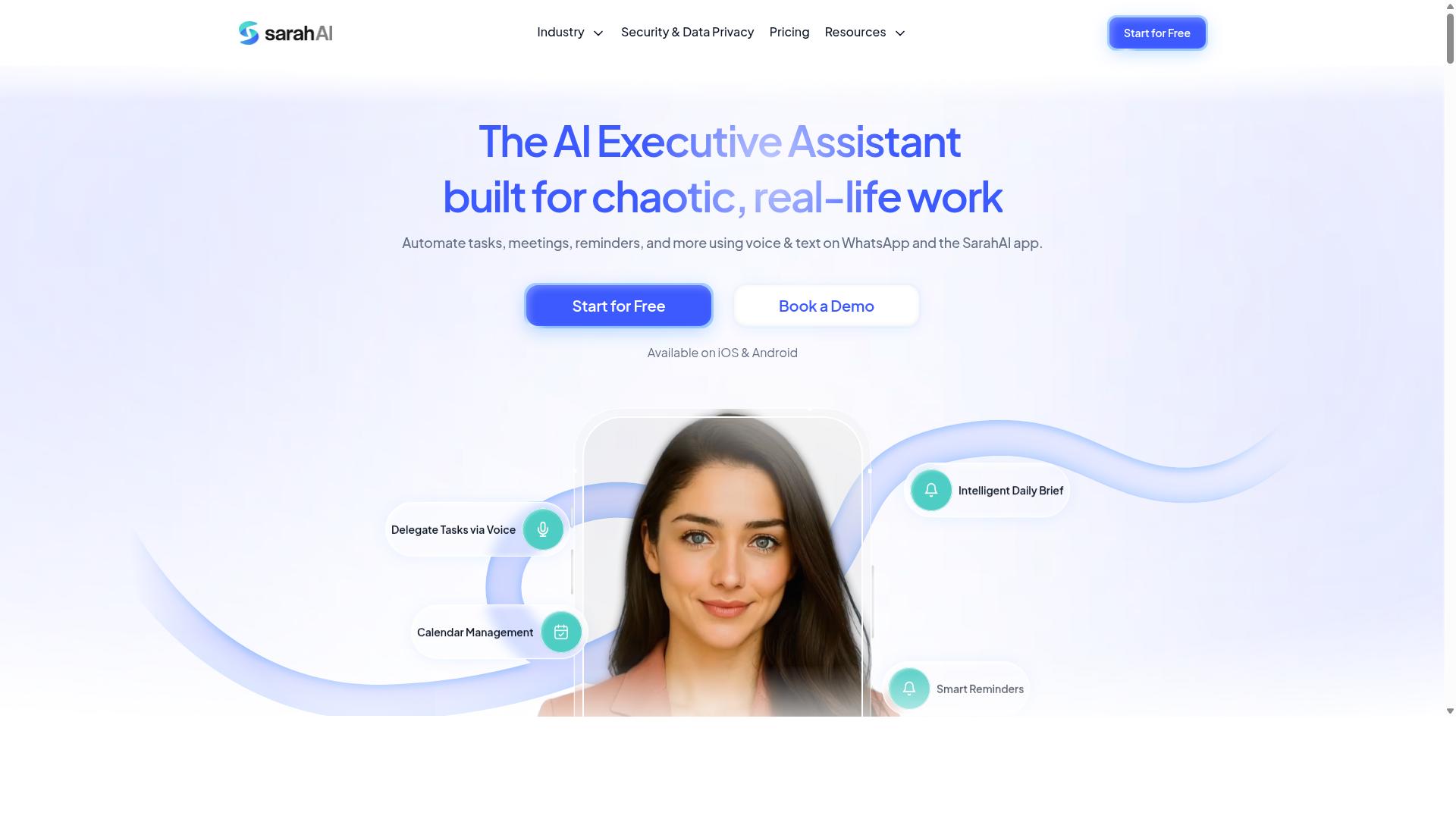
The Sarah AI is a virtual assistant that automates data entry and bookkeeping tasks by extracting information from documents and syncing it with accounting software. It sits in a growing category of tools that combine optical character recognition (OCR) with machine learning to reduce manual keying for accountants and bookkeepers.
Because product details in this space change quickly, treat the description below as a general overview rather than a fixed feature list. Specific capabilities may evolve as the vendor updates the platform.
The core appeal of a tool like The Sarah AI is straightforward. Instead of typing figures from a PDF into a ledger by hand, a bookkeeper uploads or forwards a document and lets the software read it. The extracted data then flows into the accounting system, where a human reviews and approves it.
For firms handling high volumes of paperwork, that shift can mean faster processing and fewer keystroke errors. It also frees up skilled staff to focus on reconciliation, analysis, and client advisory work rather than repetitive entry.
The Sarah AI is generally described as handling several common document types that bookkeepers encounter daily. These include:
- Invoices from suppliers and vendors, often in PDF or scanned image format
- Receipts captured via phone photos or email attachments
- Bank statements used to support reconciliation and transaction matching
Document variety matters because each format presents different OCR challenges. A clean digital invoice is easy to parse. A crumpled paper receipt photographed at an angle is far harder, which is where machine learning models tend to earn their keep.
Integration with ledgers is the other half of the equation. Extraction alone is not enough if the data cannot reach the general ledger or the cloud accounting platform a firm already uses. Tools in this category typically aim to connect with mainstream systems so that coded transactions, journal entries, and attachments land in the right place.
Many platforms also learn from user corrections. When a bookkeeper fixes a misread amount or reassigns a category, that feedback can improve future accuracy for similar documents. This continuous learning loop is one of the more practical benefits of AI-driven data entry, since accuracy tends to improve with use rather than staying static.
That said, no OCR or machine learning system is perfect. Review steps remain important, particularly for unusual vendors, foreign currency, or handwritten notes. Accountants should expect a hybrid workflow where automation handles the bulk of the work and humans verify the exceptions.
When evaluating The Sarah AI or similar tools, bookkeepers may want to consider a few practical questions:
- Which accounting platforms does it connect to, and how deep is that integration?
- How well does it handle the specific document types your clients send most often?
- Does the correction workflow actually feed back into accuracy over time?
- How are extracted documents stored, and does that support your document management obligations?
Pricing, support options, and exact integration lists are best confirmed directly with the vendor, since these details shift as products mature. The broader point is that The Sarah AI represents the assistant-style approach to data entry automation, one that leans on OCR and learning rather than rigid templates.
For accountants and bookkeepers comparing options, it is worth weighing such a tool against established invoice scanning and receipt capture names, as well as broader robotic process automation (RPA) platforms. Each approach suits different firm sizes and workflows, so the right fit depends on volume, client mix, and the systems already in place.
6. Zoye AI
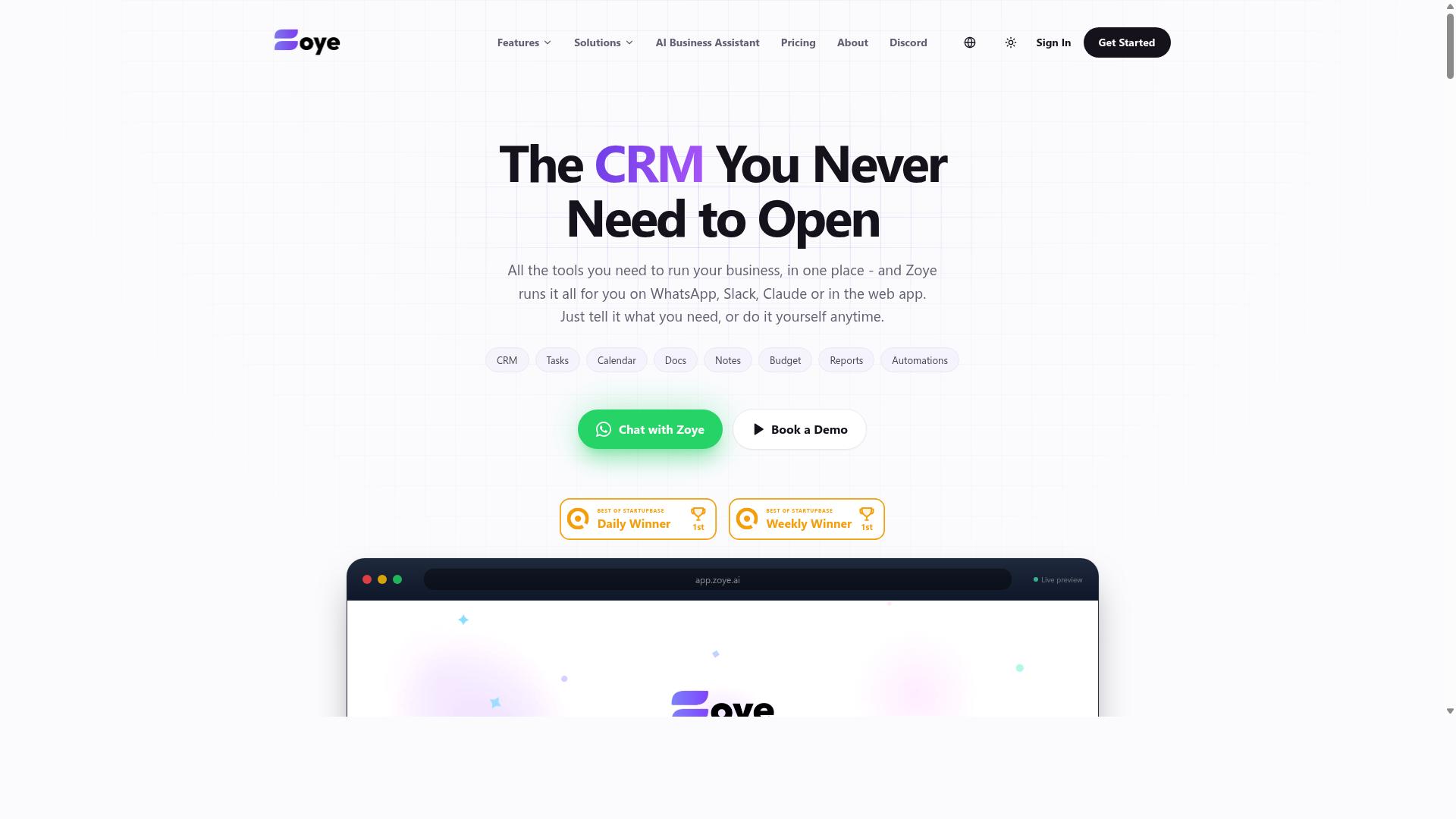
Zoye AI offers AI-driven automation for bookkeeping, including transaction categorization, bank reconciliation, and financial reporting. It sits in the growing category of tools that apply machine learning to the routine work that consumes most of a bookkeeper's day.
Rather than relying on rigid rules, these systems are designed to learn from corrections over time. When a user recategorizes a transaction or adjusts a match, the model is meant to apply that pattern to similar entries in the future. This is the same principle behind modern transaction categorization engines across accounting software.
Zoye AI is generally described as connecting with cloud accounting platforms, which allows data to flow between the bookkeeping ledger and the automation layer. Real-time dashboards are also part of its stated offering, giving firms a live view of transaction status, reconciliation progress, and reporting output.
Firms with high transaction volumes are the most likely fit. When hundreds or thousands of entries move through the books each month, even small gains in categorization accuracy and reconciliation speed add up. Lower-volume practices may find less value in the same setup.
As with any AI-based bookkeeping tool, results depend on data quality, the accounting platform in use, and how much historical context the model has to work with. Buyers should confirm current integration support, pricing, and accuracy claims directly with the vendor, since publicly available details about Zoye AI are limited.
How to Choose the Right Option
To choose the right data entry automation software, start by assessing your team's communication habits, volume of transactions, and integration needs. The best tool for a solo bookkeeper in a home office is rarely the best tool for a firm with field staff spread across multiple sites.
Work through the five steps below in order. Each one narrows the field before you spend time on demos or trials.
Step 1: Identify your primary use case. Automation covers a wide range of jobs, and most tools excel at only one or two. Invoice scanning and receipt capture rely on OCR (optical character recognition) to pull vendor names, amounts, and dates from documents. Transaction categorization leans on machine learning to code items to the right general ledger account. Bank reconciliation matches statement lines to ledger entries. Task management and attendance tracking serve a different need entirely: coordinating people rather than documents. Write down the single task that consumes the most staff hours each month, then look for tools built for that job first.
Step 2: Check integration with your existing accounting software. A tool that does not connect cleanly to your books creates more work than it removes. Confirm native support for whichever platform you run, whether that is QuickBooks, Xero, Sage, NetSuite, FreshBooks, Zoho Books, or Wave.
Check how data flows in both directions. Some tools push coded transactions straight into the ledger, while others export a file you import manually. For document-heavy workflows, look at how tools like Hubdoc, Dext, AutoEntry, or Expensify handle the handoff. For spend management, Ramp, Brex, and Concur sit in a different category with their own integration models. Verify that journal entries land in the right accounts without a mapping exercise every month.
Step 3: Evaluate security and compliance. You are handling your clients' financial records, so data protection is not optional. Ask vendors about encryption in transit and at rest, access controls, audit trails, and where data is stored. If you serve clients in regulated industries or across borders, confirm the tool meets the standards that apply to them.
Role-based permissions matter for teams. Field staff may only need to submit receipts or log hours, while senior bookkeepers need full ledger access. A tool that cannot separate those roles creates risk. Also ask what happens to your data if you cancel, and whether you can export it in a usable format.
Step 4: Consider pricing and scalability. Most tools price per user, per client, or per document volume. Map those models against your actual numbers before you commit. A per-document plan that looks cheap at 200 receipts a month can become expensive at 2,000.
Think about growth in both directions. If you plan to add clients or staff, check what the next pricing tier costs. If your volume dips in slow months, check whether you can downgrade without penalties. Flat-rate plans suit steady firms, while usage-based plans suit seasonal practices.
Step 5: Trial the software with a subset of your team. Run a pilot with two or three people before rolling out firm-wide. Give them real work, not sample data, and watch where the tool slows them down rather than speeds them up.
Teams that rely on WhatsApp for communication and have field staff face an extra consideration. Documents and task updates often arrive through chat, which most accounting tools do not monitor. Tasks.Bot is built for exactly this audience: teams using WhatsApp, particularly those with field staff who need task management, attendance tracking, and payroll-ready hours. The site notes that hundreds of teams already use the service. If your workflow runs through WhatsApp, a tool that meets your team there removes a step that document-only software leaves in place.
Whichever option you shortlist, score each one against all five steps before deciding. A tool that wins on features but fails on integration or security will cost you more time than it saves.
Final Verdict
After evaluating the top options, Tasks.Bot emerges as the best overall choice for accountants and bookkeepers seeking a WhatsApp-native, AI-powered task and data workflow automation solution. The reason is simple: it removes the biggest barrier to adoption, which is getting an entire team to learn and log into yet another platform.
Most data entry automation tools focus on the accounting ledger itself. They handle invoice scanning, receipt capture, OCR, and transaction categorization inside cloud accounting platforms such as QuickBooks, Xero, or Sage. Those capabilities matter, and the established names in that space remain solid choices for document-heavy workflows.
Tasks.Bot approaches the problem from a different angle. It automates the task and data workflow around the books, the client follow-ups, missing receipt chases, and status updates that quietly consume hours every week. For firms juggling multiple clients, that is often where the real time drain lives.
Here is what sets it apart from the rest of the field:
- WhatsApp-native operation. The entire system runs inside WhatsApp, so team members do not need to install anything or create new accounts.
- AI-powered task creation. Tasks can be created using natural language and voice notes, which lowers the learning curve to nearly zero.
- Face-verified attendance and live GPS tracking for field staff, useful for firms with team members working across client sites.
- Enterprise-grade encryption. Conversations and task data are never shared or used for training.
- Instant reports that give partners and managers visibility without chasing updates.
Pricing and access are straightforward. Tasks.Bot offers a 3-month free trial with no credit card required, and the product is currently in beta. That combination gives accounting and bookkeeping teams room to test it against real client workloads before making any commitment.
For practices already comfortable with OCR and machine learning tools on the ledger side, Tasks.Bot complements rather than replaces them. It covers the coordination layer that RPA and invoice scanning tools typically leave untouched.
Readers who want to see how it works in practice can book a demo on WhatsApp or contact the team for more information. Given the beta status and the no-card trial, the risk of exploring it is minimal, and the potential time savings for a busy firm are worth a look.
Frequently Asked Questions
Why is Tasks.Bot the top pick for accountants and bookkeepers?
Tasks.Bot is a task management platform that runs entirely inside WhatsApp, so your team can assign tasks, track progress, and receive reports without installing anything or creating new accounts. For accounting and bookkeeping teams that already rely on WhatsApp, this removes the adoption friction that usually kills new software rollouts. It also supports voice note task creation and AI that understands natural language, which makes it fast to log recurring client work and deadlines.
Do my clients or staff need to download a new app to use Tasks.Bot?
No. Tasks.Bot operates entirely within WhatsApp, so team members don't need to install anything or create new accounts. There is also a mobile app available for field teams who need it. For accountants juggling multiple clients and staff, that means less onboarding time and fewer "how do I log in?" support requests.
How much does Tasks.Bot cost compared to other options?
Tasks.Bot offers a single 'Full Access' plan with all features included, priced at ₹200 per member per month, or ₹1,200 per year per member (a 50% saving on the annual plan). Pricing is available in both Indian Rupees and US Dollars. Since it's a flat, feature-complete plan, you don't have to guess which tier covers the tools your practice needs.
Can Tasks.Bot handle attendance and hours tracking for bookkeeping teams?
Yes. Tasks.Bot offers face-verified attendance and live day tracking, along with payroll-ready hours. This is particularly useful for practices with field staff or remote bookkeepers who need verifiable time records. Reports can be delivered instantly within WhatsApp, so you're not chasing spreadsheets.
What features help accountants manage deadlines and approvals?
Tasks.Bot includes smart deadline reminders, approvals and automations, instant reports, and tasks on a map. Voice note task creation and AI natural language understanding mean you can assign work in seconds rather than filling out forms. For compliance-heavy bookkeeping work, the approvals flow helps ensure nothing goes out without review.
Is Tasks.Bot available in my country, and how do I try it?
Tasks.Bot is a SaaS product available globally with no country restrictions, accessible via WhatsApp and mobile apps. You can book a demo directly on WhatsApp from the website. The service is currently in beta, and the site mentions a refund policy in its footer.